
|
OpenAM Web Agent |
あとで、wordpress を入れるんで php と mysql も入れておきます
$ sudo yum -y install httpd php mysql-server
$ sudo /sbin/chkconfig --level 35 httpd on
$ /sbin/chkconfig --list | grep httpd
httpd          	0:off	1:off	2:off	3:on	4:off	5:on	6:off
$ sudo /sbin/chkconfig --level 35 mysqld on
$ /sbin/chkconfig --list | grep mysqld
mysqld         	0:off	1:off	2:off	3:on	4:off	5:on	6:off
$ pwd
/var/www/html
$ tree
.
|-- index.html
`-- secure
    `-- private.html

1 directory, 2 files
apache を起動して、きちんとインストールされているか試す
$ sudo /etc/rc.d/init.d/httpd start
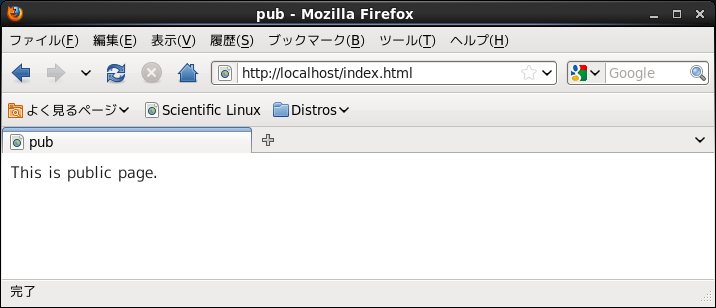
apache を停止する
$ sudo /etc/rc.d/init.d/httpd stop
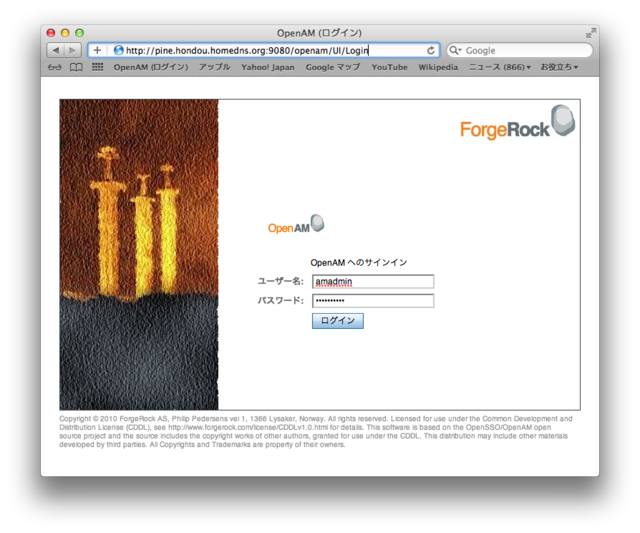
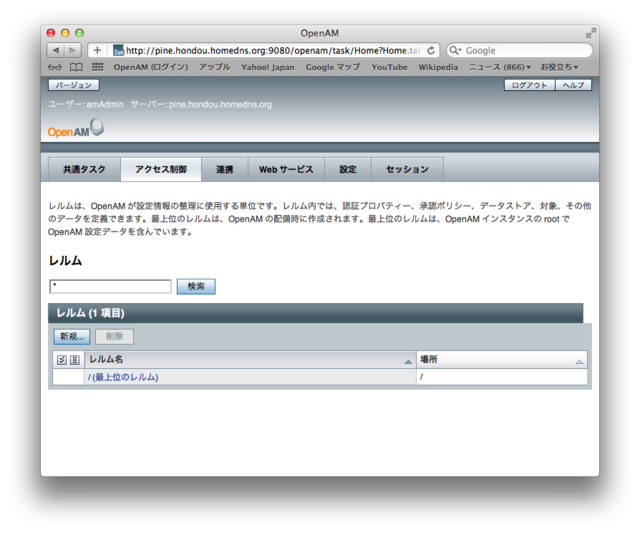
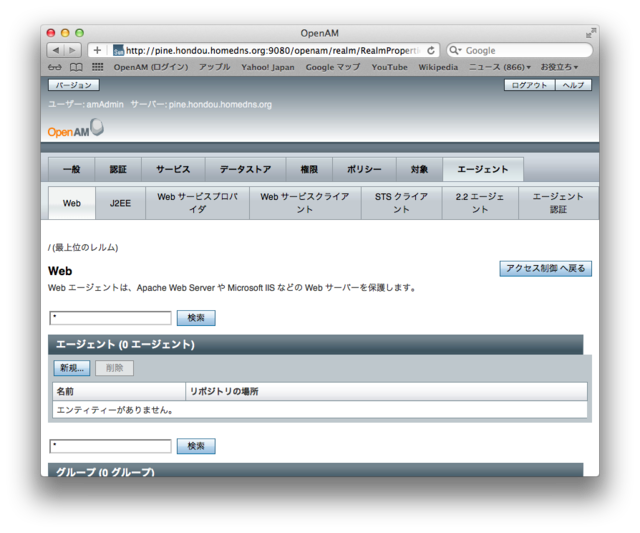
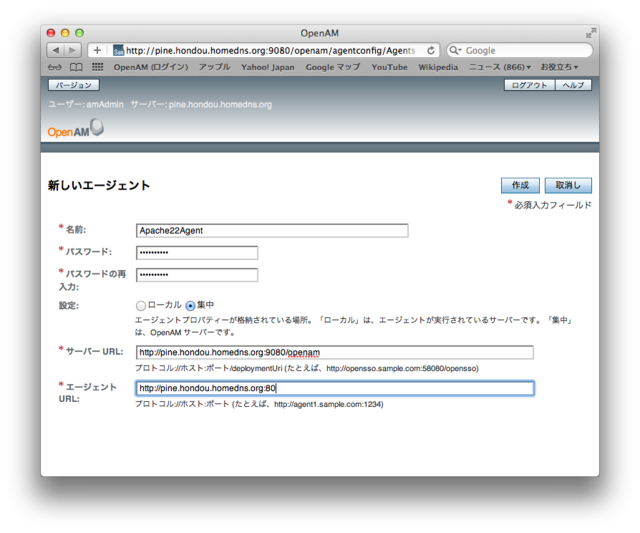
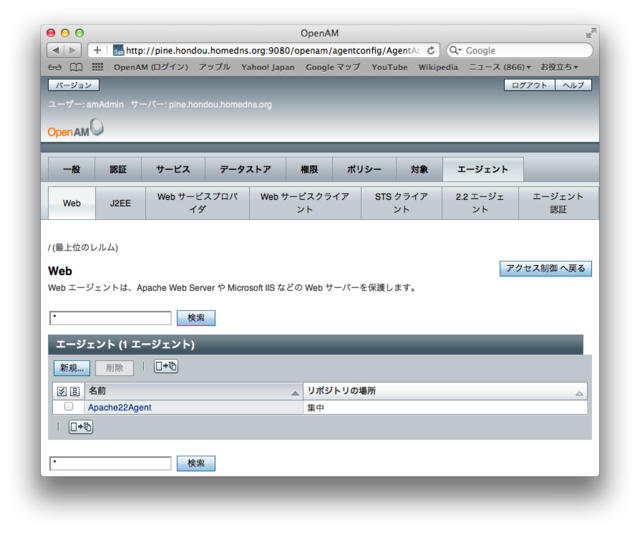
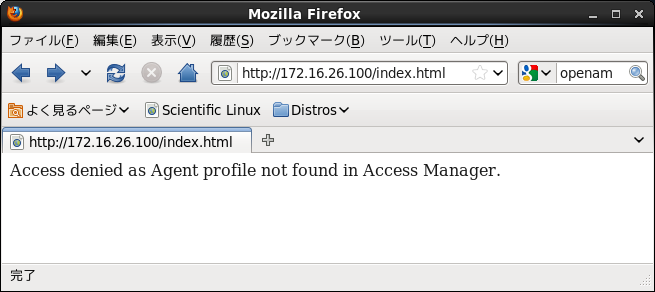
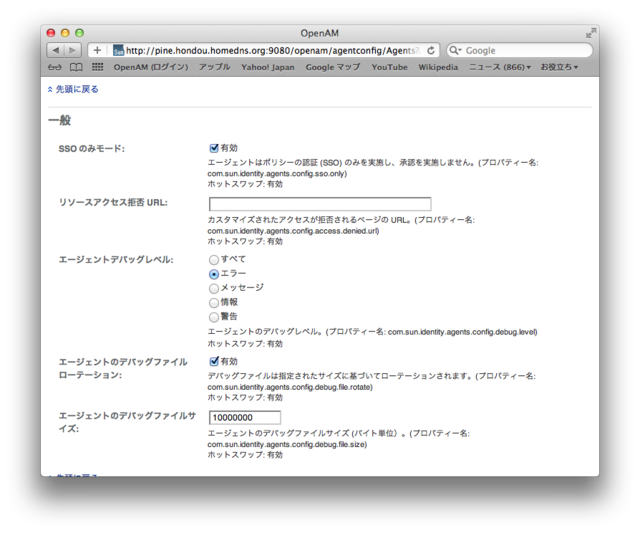
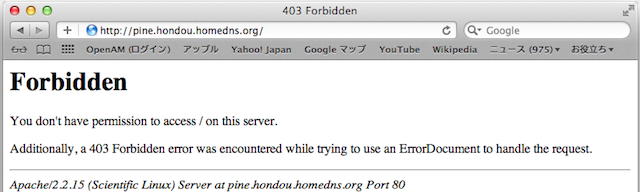

# cd /opt/openam
# unzip /home/kagyuu/ダウンロード/apache_v22_Linux_64_agent_304.zip
# cd /opt/openam/web_agents/apache22_agent/bin/インストール前に使うパスワードファイルを作る (MS-DOS の場合、echo は、末尾にスペースが入るので、作成後にメモ帳で削除する必要あり)
# echo agpassword > .passwd
# chmod 400 .passwd
# ls -la .passwd
-r--------. 1 root root 11 11月  6 22:47 2011 .passwd
Open AM 側の設定内容を Web Agent に設定する
# ./agentadmin --install

(中略)

-----------------------------------------------
SUMMARY OF YOUR RESPONSES
-----------------------------------------------
Apache Server Config Directory : /etc/httpd/conf
OpenSSO server URL : http://pine.hondou.homedns.org:9080/openam
Agent URL : http://pine.hondou.homedns.org:80
Agent Profile name : Apache22Agent
Agent Profile Password file name :
/opt/openam/web_agents/apache22_agent/.passwd

Verify your settings above and decide from the choices below.
1. Continue with Installation
2. Back to the last interaction
3. Start Over
4. Exit
Please make your selection [1]:

(中略)

Thank you for using OpenSSO Policy Agent

# sudo /etc/rc.d/init.d/httpd start
httpd を起動中: httpd: Syntax error on line 1014 of /etc/httpd/conf/httpd.conf:
Syntax error on line 1 of /opt/openam/web_agents/apache22_agent/Agent_001/config/dsame.conf:
Cannot load /opt/openam/web_agents/apache22_agent/lib/libamapc22.so into server:
/opt/openam/web_agents/apache22_agent/lib/libamapc22.so: failed to map segment from shared object:
Permission denied
[失敗]# chcon -u system_u -t httpd_exec_t /opt/openam/web_agents/apache22_agent/lib/*

# sudo /etc/rc.d/init.d/httpd start
httpd を起動中: httpd:
                                                          [  OK  ]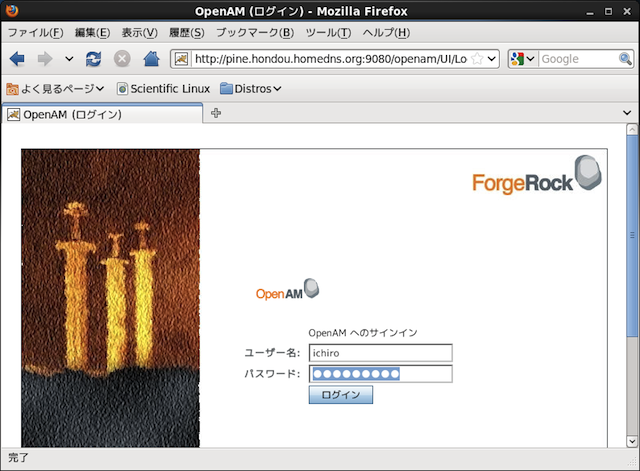
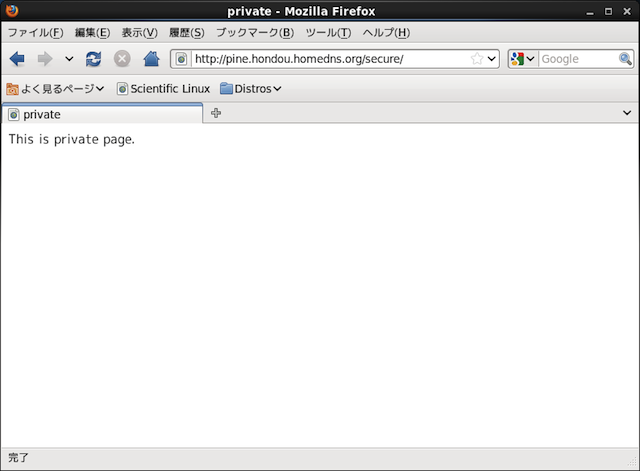
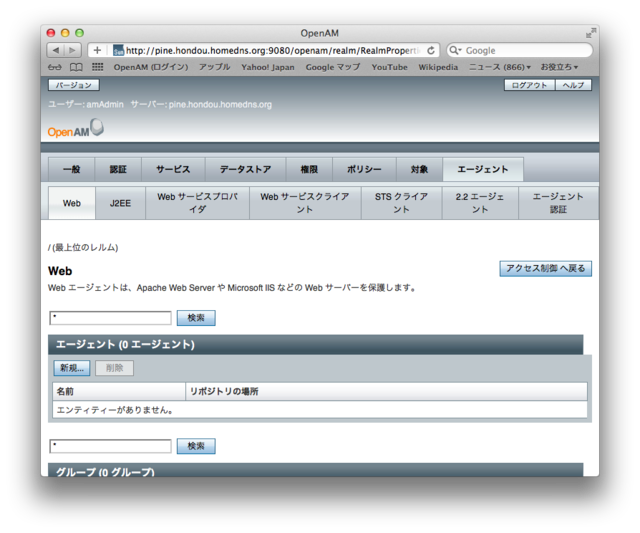 agent-2.png 2873件
[詳細]
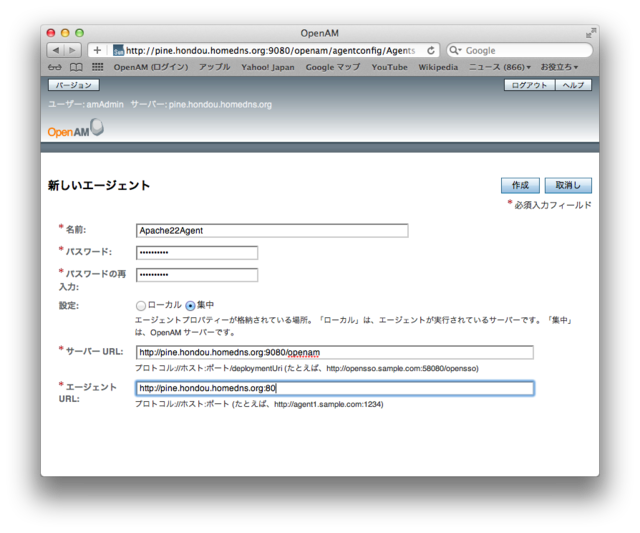 agent-3.png 2924件
[詳細]
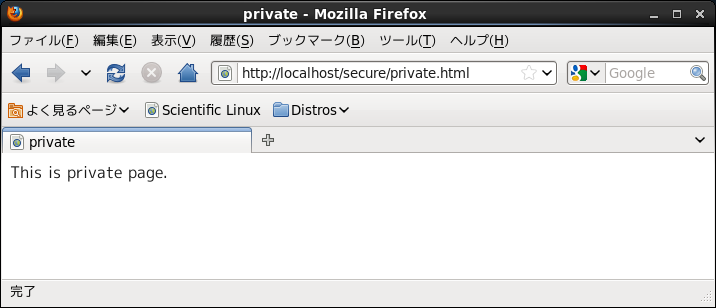 pri.png 1386件
[詳細]
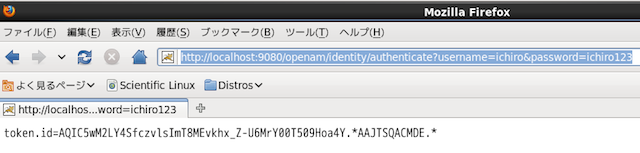 auth1.png 1486件
[詳細]
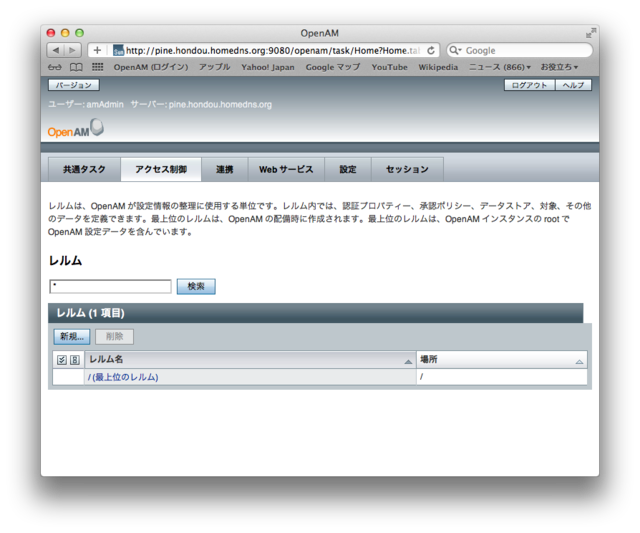 agent-1.png 2882件
[詳細]
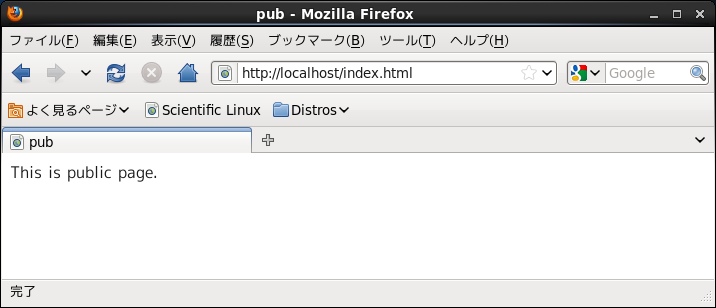 pub.png 2638件
[詳細]
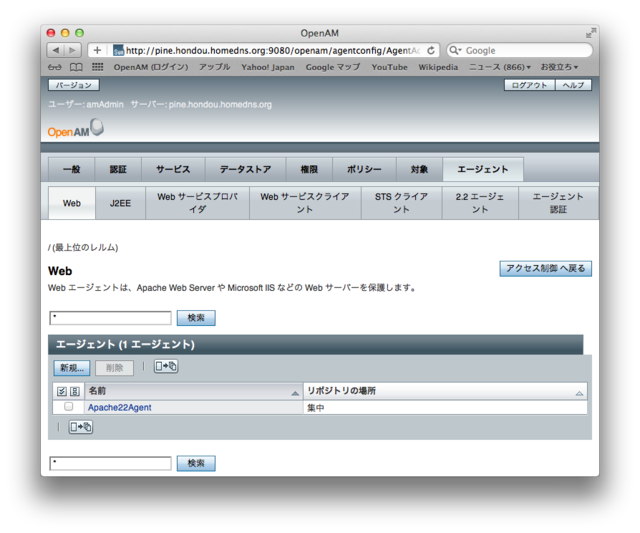 agent-4.png 2862件
[詳細]
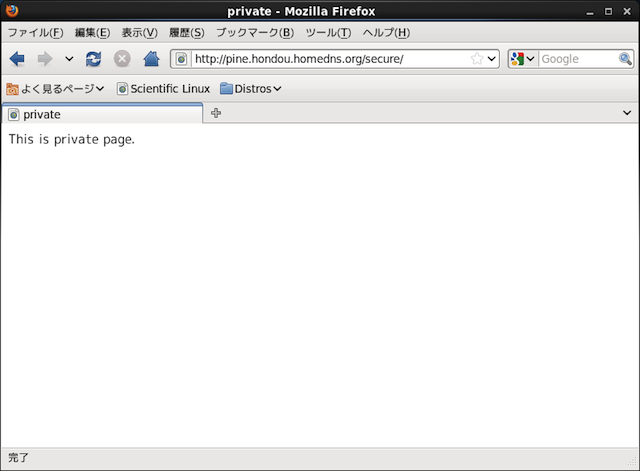 url3.png 2900件
[詳細]
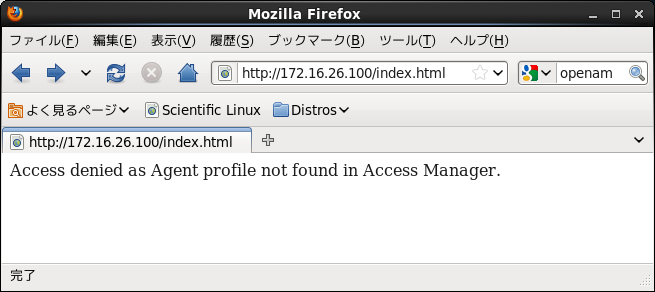 autherr.png 2672件
[詳細]
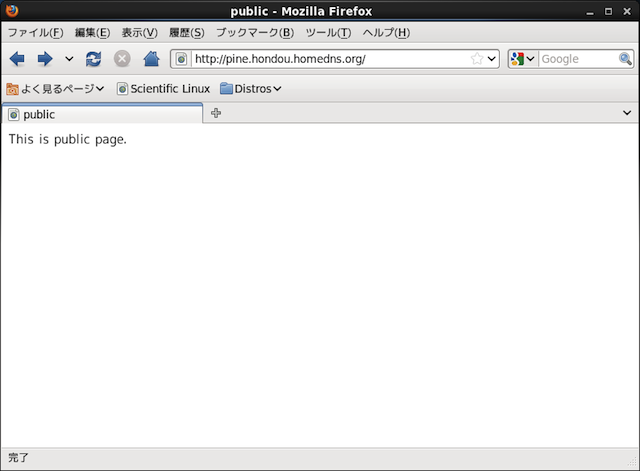 url1.png 3036件
[詳細]
 wagent1.png 2948件
[詳細]
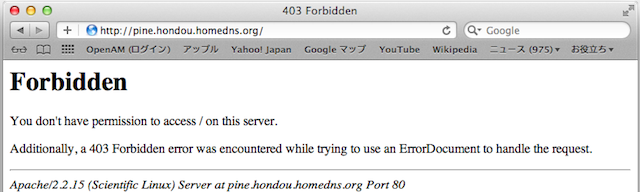 forbidden.png 2616件
[詳細]
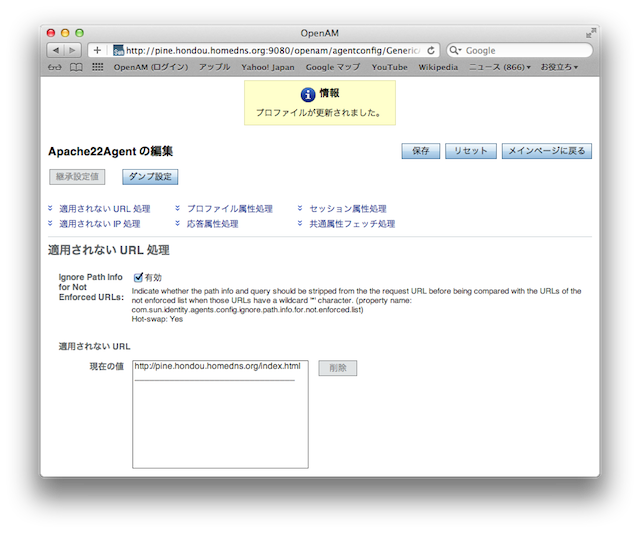 agent6.png 2953件
[詳細]
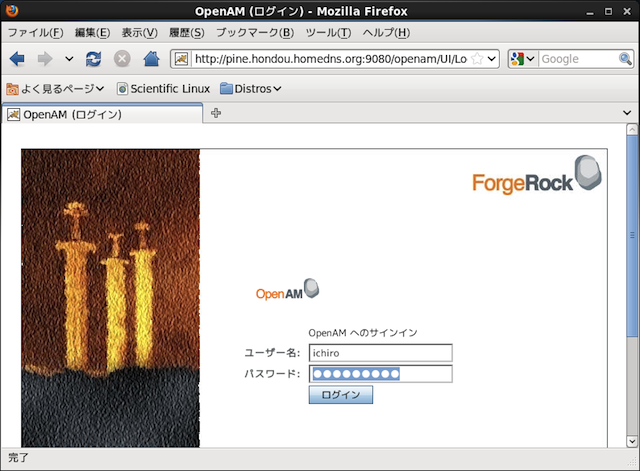 url2.png 2880件
[詳細]
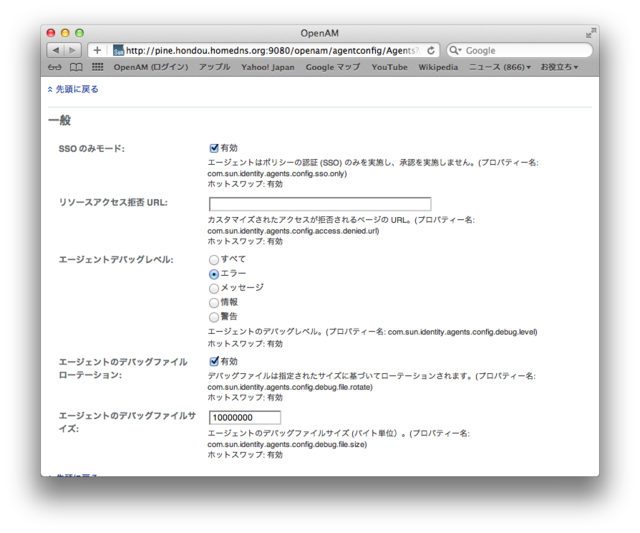 agent-5.png 2732件
[詳細]
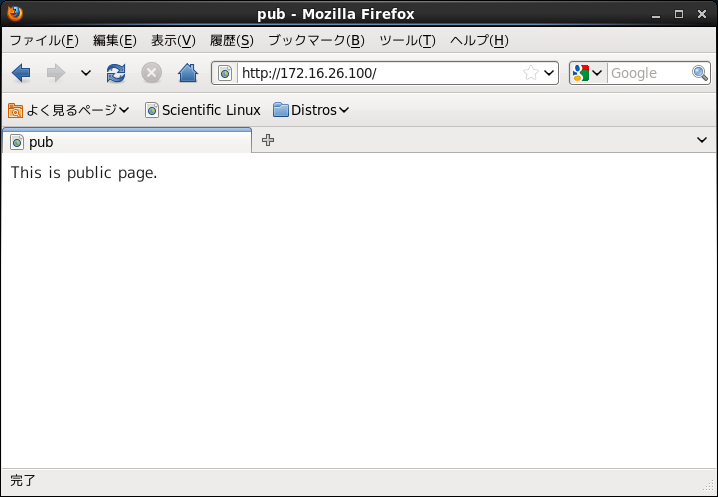 wagent3.png 1763件
[詳細]
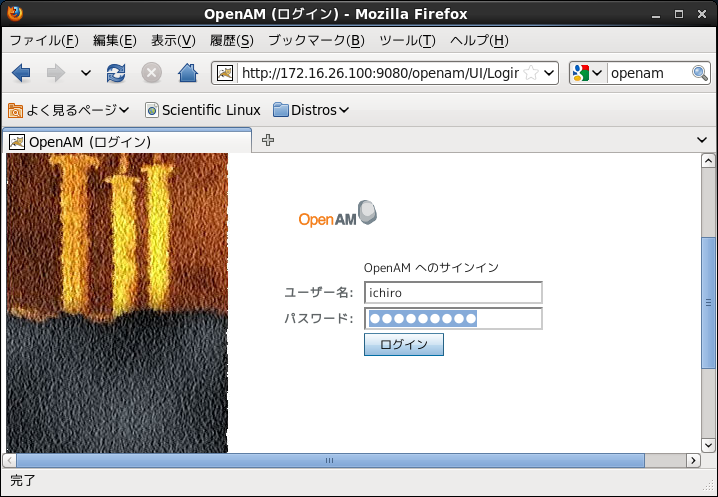 wagent2.png 1698件
[詳細]
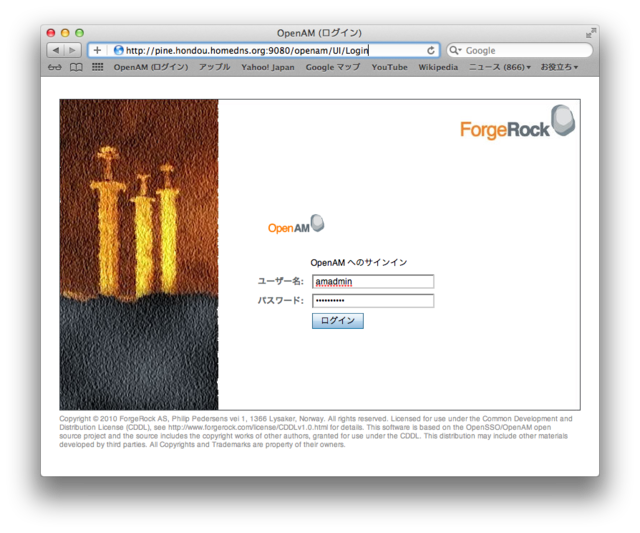 agent-0.png 2802件
[詳細]